Revit plugins to prepare your works
The stages of the project
- Site survey The real terrain in your model: official elevations, cadastre and point cloud.
- Earthworks Excavations, slopes and earth volumes calculated in a few clicks.
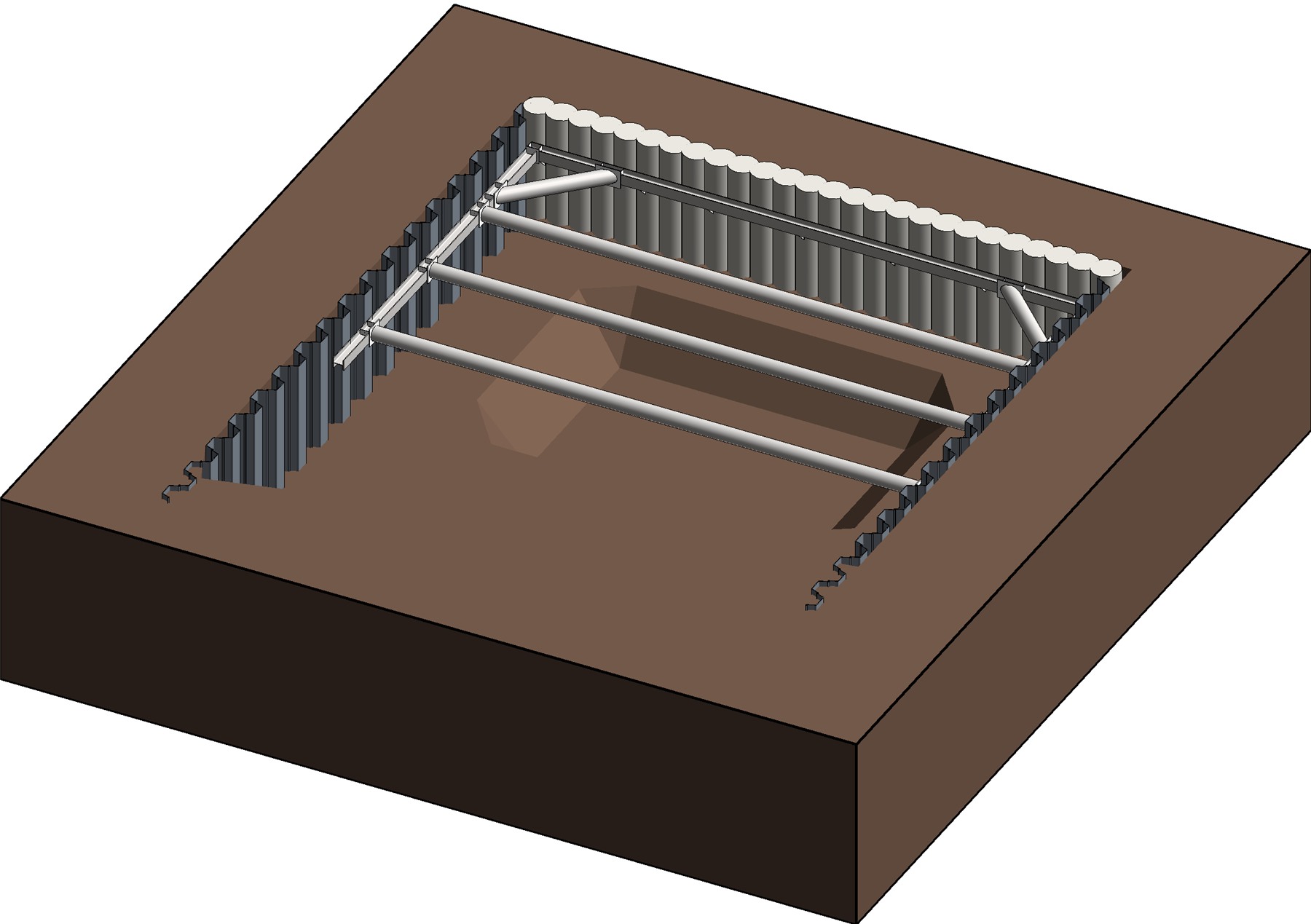
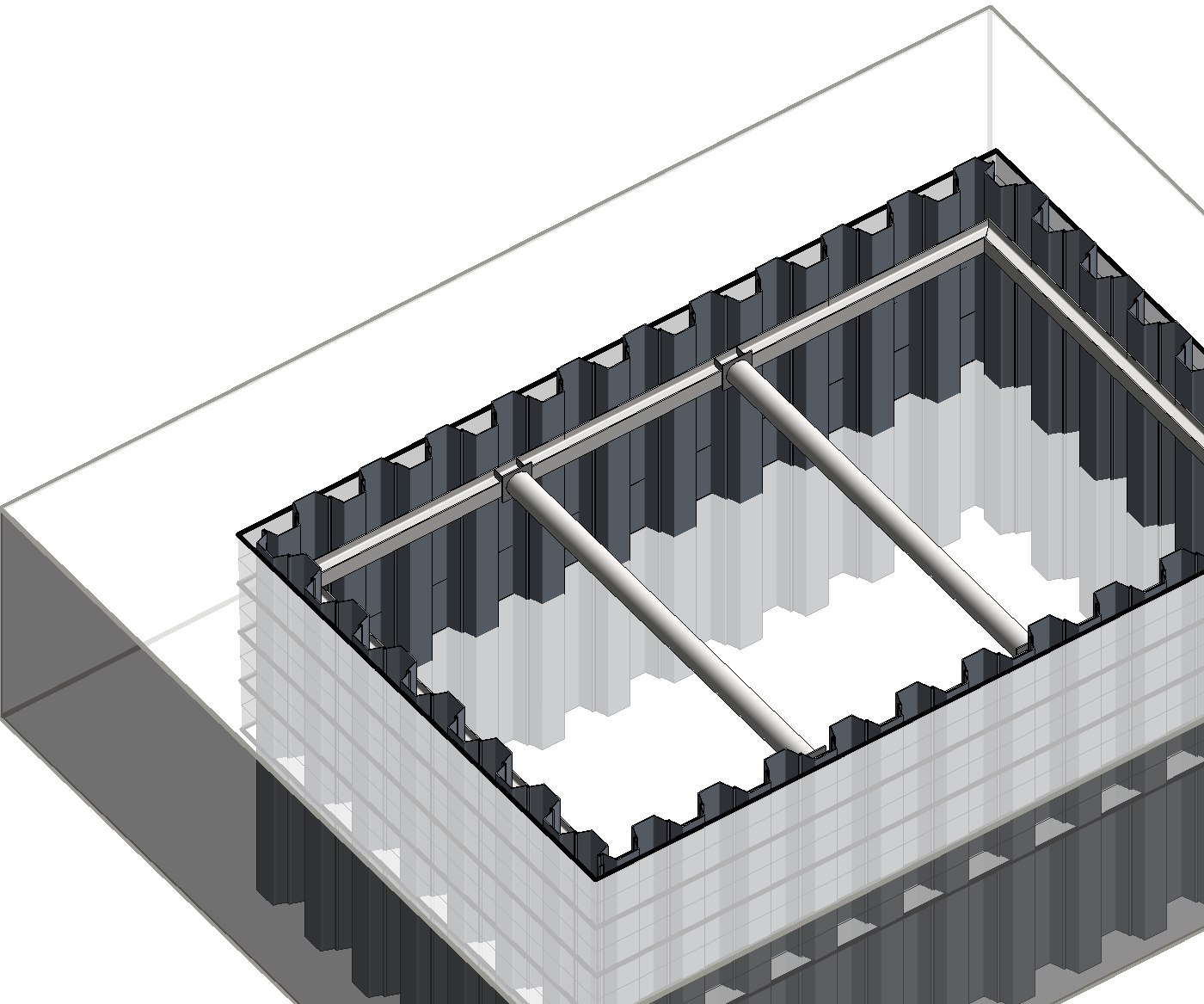
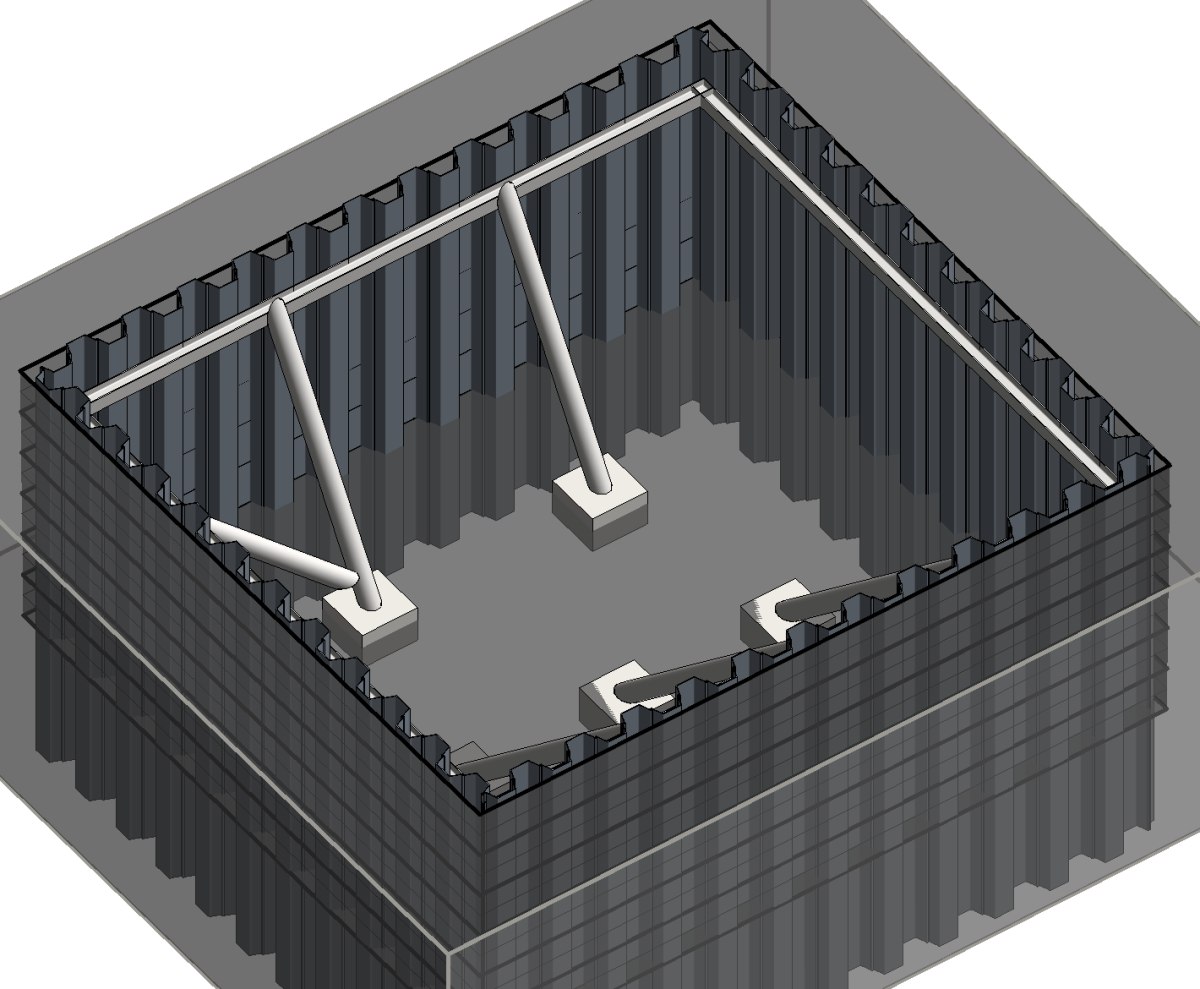
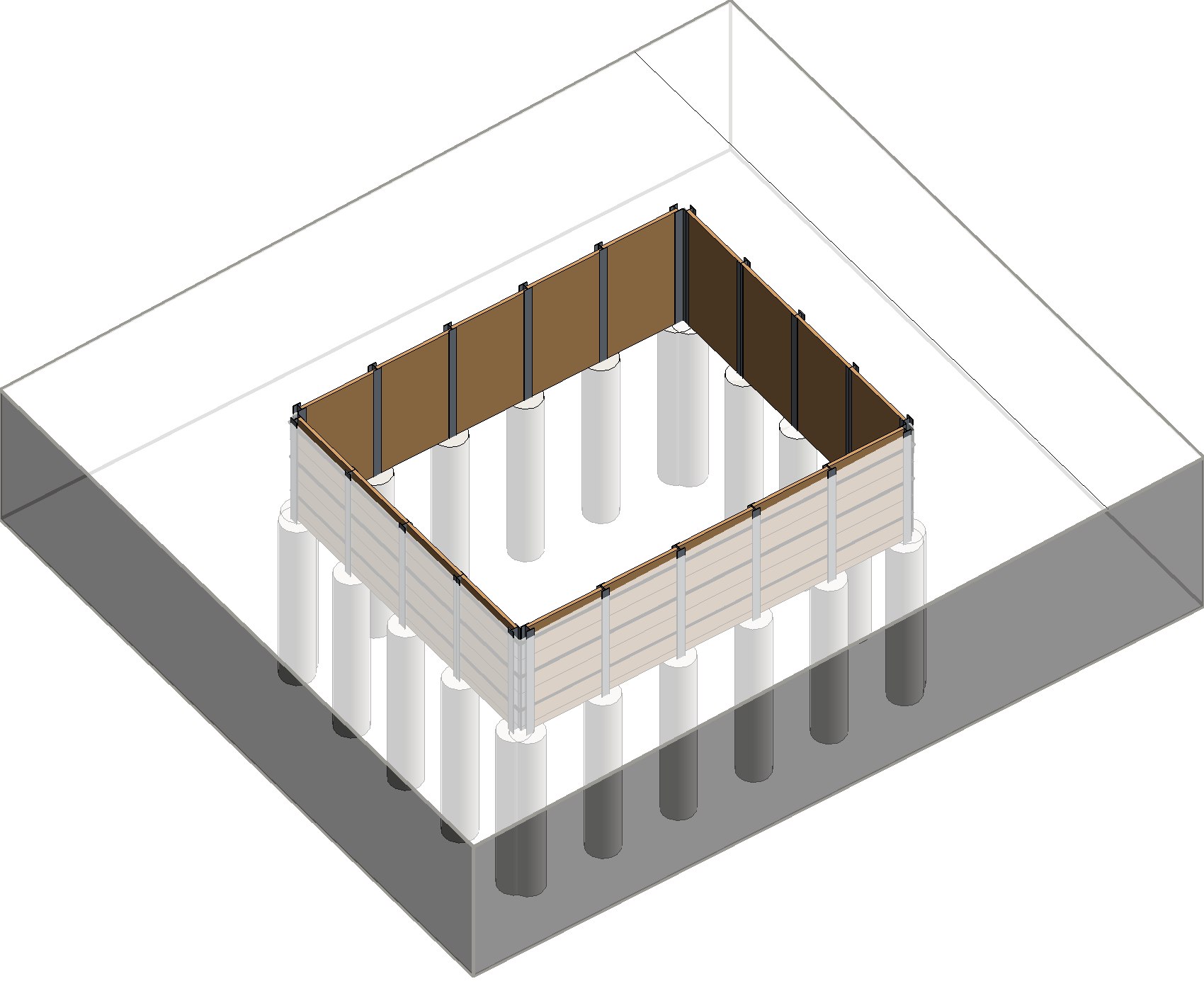
- Special foundations Sheet piles, secant piles, soldier pile walls and strutting, with their connections.
- Site layout Cranes, slewing areas, barriers and access placed and checked in the model.
- Construction Your structures modelled in Revit by our team, as an extension of yours.
- Drawings and quantities Plans, sections and quantities taken from the model, always up to date.
What we do
Plugins for Autodesk® Revit®
Earthworks, geodata and site layout drawn automatically in your model.
BIM services
Modelling, drawings and quantity take-offs done for you, to support your teams.
Our modules
 Terra-Touch
Earthworks and special foundations
 Sloped excavationslopes and berms
 Sheet pilesalong the outline
 Secant pilesinterlocking
 Soldier pile wallbeams and lagging
 Diaphragm wallsconcrete in the ground
 Capping beamon top of the wall
 Struttingwalers and struts
 Connectionsdetailed joints
 Cut and fill in stagesone colour per stage
 Swalesditches along a line
 Bundsearth mounds
 Earthwork quantitiescut, fill, to remove
 Drawingsplans, sections and 3D
In pictures
On video
 Géo-Touch
Terrain and survey data in Revit
 Public data importopen data files SITGswisstopoIGN
 Terrainbuilt from official elevations
 Cadastreplots and buildings
 Point cloudclassified lidar survey
 Orthophotosatellite image on the terrain
 Set out the projectlocated from a DWG drawing or an IFC
 Exportto Civil 3D, AutoCAD or QGIS
 Point checksuspicious points fixed
 Area-Touch
Construction site layout
 Tower craneplaced and set in the model
 Slewingthe area swept by the jib
 Barriersaround the site
 Panelssite fencing
 Planning-Touch
Drafting office and site planning
 Team planningwho does what, day by day, drawing by drawing
 Site planningphases and tasks of the works, from earthworks to handover
 Drawing listnumber, progress and client date
 Progress meetingsprepared automatically
 AlertsMonday schedule and late drawings
 Sharingthe whole team on the same data